The 5 Best Free IPTV Players (Firestick, Android TV & PC)
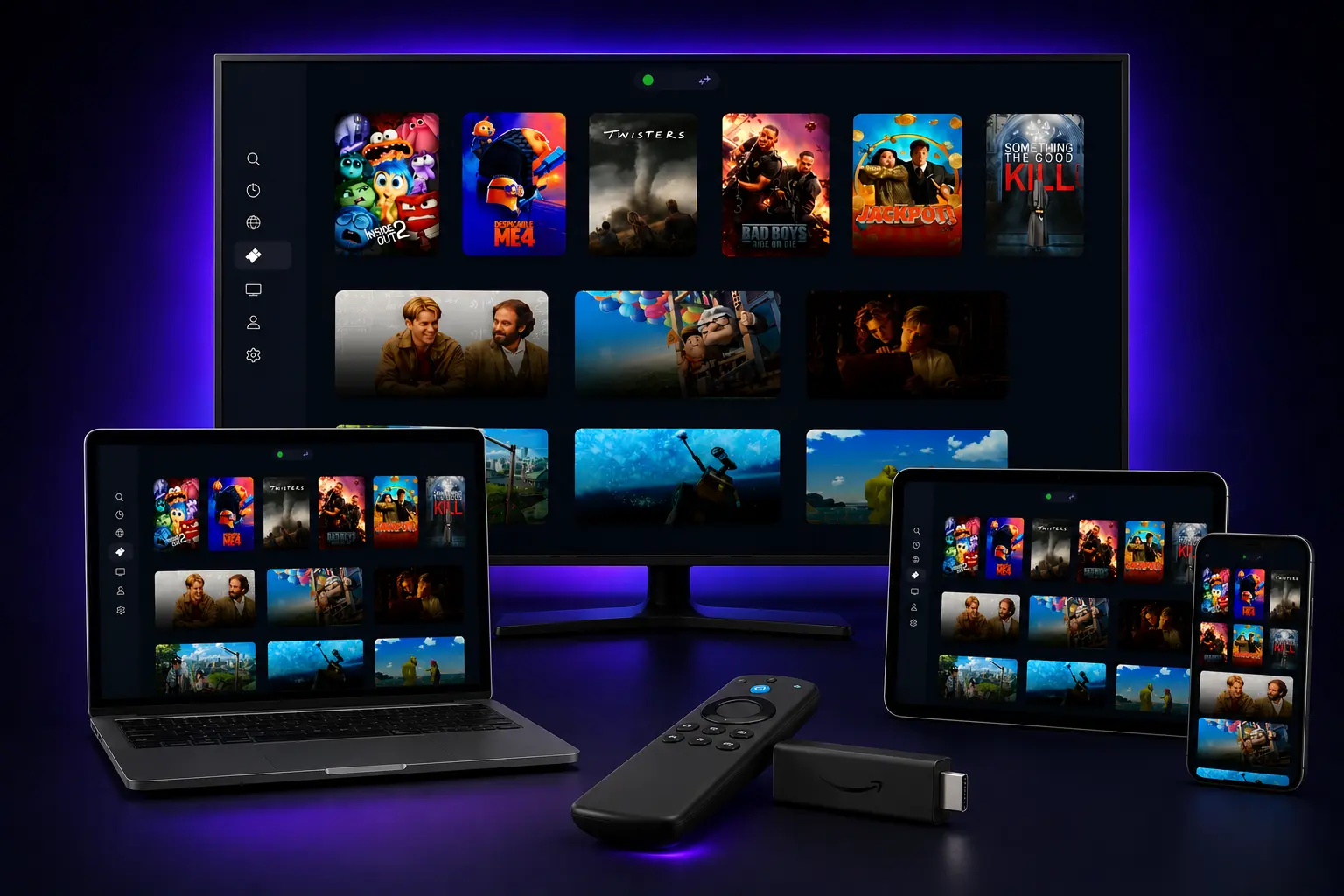
Having a great IPTV player is just as crucial as having a quality IPTV subscription. While your IPTV service provides the content, the player app defines your entire viewing experience—from how channels are organized and how smoothly they stream to whether you can access program guides and customize your interface.
In this comprehensive guide, we'll review the top IPTV players that are either completely free or offer excellent, highly functional free versions. We'll be completely transparent about what you get for free versus what requires payment, helping you make an informed decision without any surprises.
⚠️ Important Disclaimer
These are IPTV players only and do NOT provide any channels or content. You need your own IPTV subscription with an M3U playlist URL or Xtream Codes login credentials to use with any of these applications. These players are simply the software that organizes and streams the content from your existing IPTV service.
Table of Contents
- • What Makes a Great IPTV Player? Our Ranking Criteria
- • Players Comparison at a Glance
- • 1. IPTV Smarters Pro: The Best Overall Free Player
- • 2. TiviMate: The Best Player Overall (If You Pay)
- • 3. OTT Navigator IPTV: The Best TiviMate Alternative
- • 4. GSE Smart IPTV: The Cross-Platform Champion
- • 5. VLC Media Player: The Old Reliable for Desktops
- • The Final Verdict: Which Free Player Should You Choose?
- • Frequently Asked Questions (FAQ)
What Makes a Great IPTV Player? Our Ranking Criteria
Core Features
- • User Interface: Clean, intuitive design optimized for TV viewing.
- • EPG Support: Electronic Program Guide with detailed program info.
- • Speed & Stability: Fast channel switching and reliable stream performance.
- • Playlist Management: Easy setup and organization of files.
Evaluation Standards
- • Device Compatibility: Wide support for popular streaming hardware.
- • Free Model Fairness: How much functionality is truly free without premium limits.
- • Performance: Excellent buffer handling and video decoding.
- • Update Frequency: Regular bug fixes and performance updates.
Players Comparison at a Glance
| Player Name | Best For | Supported OS | Cost Model |
|---|---|---|---|
| IPTV Smarters Pro | All-round Free Features | Android, Firestick, iOS | Truly Functional Free |
| TiviMate | Premium EPG Experience | Firestick, Android TV | Free Tier (Limited) |
| OTT Navigator | Deep Customization | Firestick, Android | Generous Freemium |
| GSE Smart IPTV | Apple TV & Cross-Platform | iOS, Android, Apple TV | Ad-Supported Free |
| VLC Media Player | Desktop PC / Mac | Windows, Mac, Linux | 100% Free / Open Source |
IPTV Smarters Pro: The Best Overall Free Player
Best For: A premium, cable-like experience at no cost
• Supported Platforms: Android TV, Amazon Firestick, Android Phones & Tablets, iOS Devices
• Cost Details: Excellent free version supported by subtle advertisements. A paid upgrade is available to remove ads, but the free tier has everything needed for normal viewing.
✅ Pros
- • Dynamic EPG support with grid layout programs.
- • Familiar cable-like interface which is easy to navigate.
- • Supports multiple playlists, portals, and M3U files.
- • Fast buffer handling and active development patches.
❌ Cons
- • Contains occasional advertisements in the free version.
- • UI can feel slightly dense on smaller screens.
- • Limited theme options for customizing dashboard look.
TiviMate: The Best Player Overall (If You Pay)
Best For: Power users who want unmatched customization and performance
• Supported Platforms: Android TV, Amazon Firestick (Rethink for iOS/PC)
• Cost Details: The free tier is extremely limited (acts only as a basic channel viewer). EPG, recording, and multiple playlists require a paid premium upgrade (~$5-7 annually).
✅ Pros
- • Stunning, modern EPG grid interface.
- • Unmatched navigation customization and panel layouts.
- • Support for catch-up, local recording, and picture-in-picture.
- • Extremely fast channel switching times.
❌ Cons
- • Free version is severely limited with blocked features.
- • Premium subscription required to unlock grid guide views.
- • No native support for iOS, Mac, or Windows.
OTT Navigator: The Best TiviMate Alternative
Best For: Users who want deep customization similar to TiviMate for free
• Supported Platforms: Android TV, Amazon Firestick, Android Handsets & Tablets
• Cost Details: Offers a generous free version featuring EPG grids and multi-playlist configs. Advanced functions (PIP, themes) require a small paid key.
✅ Pros
- • Genuinely functional EPG inside the free tier.
- • Extreme configuration settings for custom players.
- • Runs smoothly on low-spec Firesticks and older TV hardware.
- • Multi-language support and clear layouts.
❌ Cons
- • Dashboards can look overly technical for beginners.
- • Android/Firestick only (No iOS Apple support).
- • Occasional bugs when loading huge M3U files.
GSE Smart IPTV: The Cross-Platform Champion
Best For: Apple TV, iOS, and multi-device households
• Supported Platforms: iOS, Apple TV, Android, Android TV, Amazon Firestick
• Cost Details: Free to download with occasional ads. The pro key unlocks advertisement-free mode, but free users get all playlist tools without restrictions.
✅ Pros
- • Native layout support across both Apple and Android worlds.
- • Includes parental controls and subtitle downloads.
- • Clean layout which is very easy to configure on phones.
- • Syncs playlist favorites across iCloud devices.
❌ Cons
- • Display styling looks a bit basic/outdated.
- • The ad placement can sometimes pop up during menu checks.
- • Features vary slightly between Apple and Android setups.
VLC Media Player: The Old Reliable for Desktops
Best For: Windows PC, Mac, and Linux users
• Supported Platforms: Windows, macOS, Linux, Android, iOS
• Cost Details: 100% free and open-source. No ads, no premiums, no restricted features.
✅ Pros
- • Completely free with absolutely zero ads.
- • Legendary stream stability and decoder compatibility.
- • Extremely lightweight and fast loading times.
- • Safe, open-source codebase with no trackers.
❌ Cons
- • No integrated EPG grid layouts.
- • UI is optimized for desktop pointers, not TV remote controls.
- • Channel listings must be loaded manually via playlist panels.
The Final Verdict: Which Free Player Should You Choose?
📺 For Firestick & Android TV Users:
Download IPTV Smarters Pro first. It offers the most feature-packed, ad-supported free package on streaming devices without requiring paid updates to get a TV program guide.
💰 If You're Willing to Pay:
TiviMate Premium is the ultimate upgrade. For a few dollars annually, it delivers a stunning premium layout that completely matches the premium vibe of high-end satellite boxes.
💻 For Desktop Users:
VLC Media Player is your straightforward choice. It has no equal on Windows or Mac in terms of stream loading stability and code integrity.
Frequently Asked Questions
Q: What is the best free IPTV player for Firestick?▼
Q: Is TiviMate really free?▼
Q: Do these IPTV players include channels or content?▼
Conclusion
Choosing the right IPTV player determines the quality of your home streaming experience. Start by testing IPTV Smarters Pro or VLC, and upgrade to premium setups when needed. Pair your chosen player with a high-quality streaming playlist to unlock a buffer-free viewing experience.
Pair Your Player with the Best Premium IPTV
Unlock 40,000+ live channels and 100,000+ VODs. Claim your 24-hour free trial now with instant setup on Smarters, TiviMate, OTT Navigator, or any other compatible player.
Published: January 18, 2026 | Updated: January 18, 2026
By the NETIPTV Expert Team | Player Reviews & Comparisons