NET IPTV vs. Set IPTV:
The Ultimate Showdown
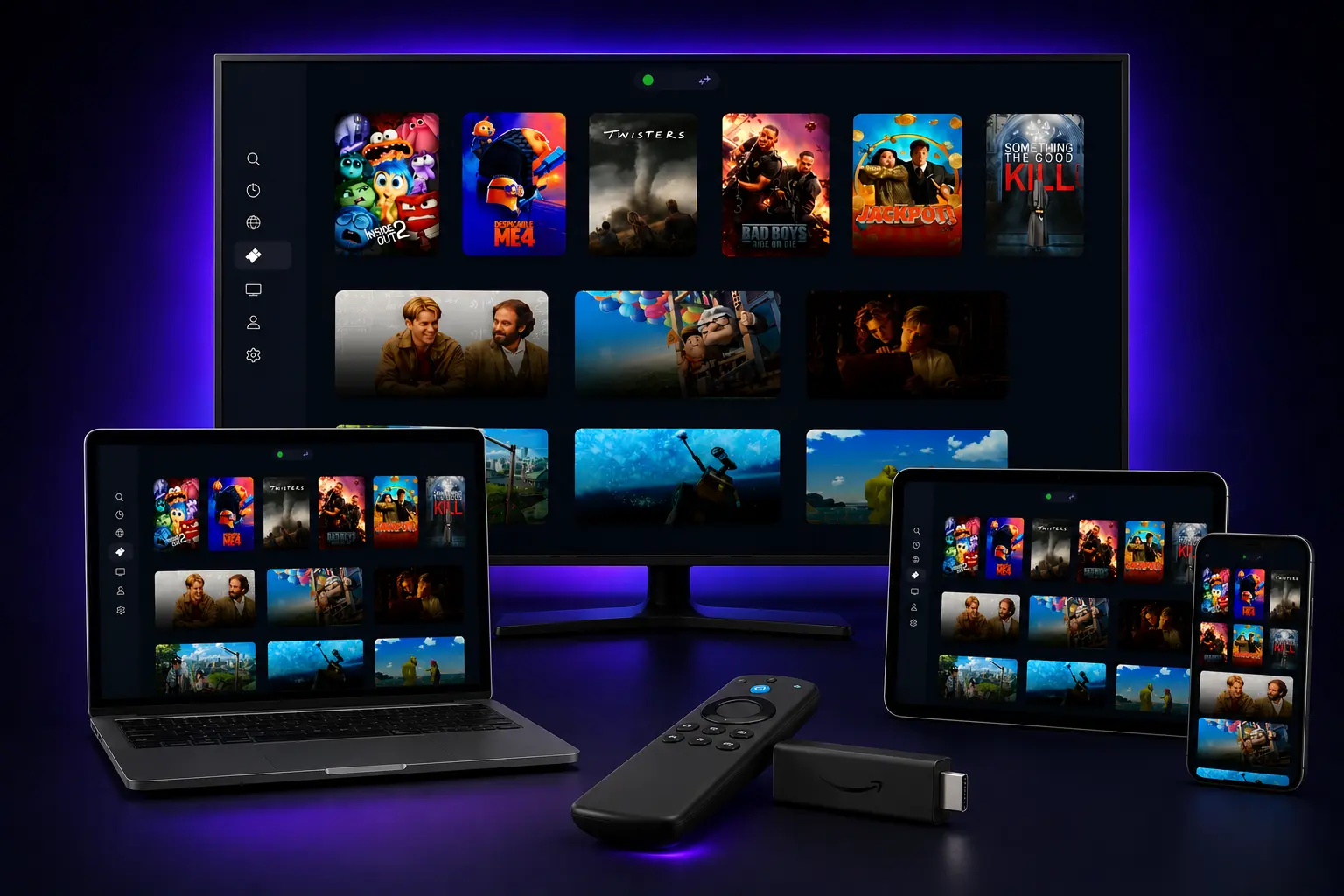
In the world of IPTV applications for non-Android Smart TVs, two names consistently rise to the top: NETIPTV and Set IPTV. Both applications have carved out significant market share among Samsung Tizen and LG webOS users, offering seemingly identical functionality that makes choosing between them a genuine challenge.
The confusion is understandable. Both NETIPTV and Set IPTV promise seamless M3U playlist integration, stable streaming performance, and user-friendly interfaces. Their similar names and feature sets have left countless users scratching their heads, wondering which application deserves their hard-earned money.
This comprehensive comparison will cut through the confusion with a detailed, head-to-head analysis. By the end of this article, you'll have a clear, definitive answer about which IPTV player represents the superior choice for your Smart TV streaming needs.
Table of Contents
- • At a Glance: The 30-Second Answer
- • Head-to-Head: The Feature Comparison Table
- • Round 1: Price – The Decisive Victory for NETIPTV
- • Round 2: User Interface and Experience (UI/UX)
- • Round 3: Setup and Activation Process
- • The Final Verdict: Which Player Should You Choose?
- • Frequently Asked Questions (FAQ)
At a Glance: The 30-Second Answer
While both NETIPTV and Set IPTV offer virtually identical core functionality and performance, NETIPTV emerges as the clear winner due to its significantly lower price point. At €6.79 compared to Set IPTV's €15.49, NETIPTV delivers the same premium streaming experience for less than half the cost, making it the smarter choice for the vast majority of users. Set IPTV remains a solid, well-established alternative for users who encounter specific compatibility issues or simply prefer its interface and don't mind paying the premium.
Head-to-Head: Feature Comparison Table
| Feature | NETIPTV | Set IPTV | Winner |
|---|---|---|---|
| Price (Single Device) | €6.79 | €15.49 | NETIPTV |
| User Interface | Clean & Modern | Professional & Mature | Tie |
| Device Support | Samsung, LG, Android TV | Samsung, LG, Android TV | Tie |
| Setup Process | Simple MAC + M3U | Simple MAC + M3U | Tie |
| Stability & Performance | Excellent | Excellent | Tie |
| Payment Options | Credit Card, PayPal | Credit Card, PayPal | Tie |
Round 1: Price – The Decisive Victory for NETIPTV
The price comparison reveals the most significant differentiator between these two applications, and it's not even close.
NETIPTV Pricing
One-time activation fee for single device
✓ Lifetime activation
✓ 7-day free trial
✓ No recurring subscription fees
Set IPTV Pricing
One-time activation fee for single device
✓ Lifetime activation
✓ 7-day free trial
✓ No recurring subscription fees
The Math is Simple
NETIPTV costs €8.70 less than Set IPTV – that's a savings of 56% for identical core functionality. Both applications offer the same fundamental features: M3U playlist support, EPG integration, parental controls, and multi-language support.
Unless you have a specific technical requirement that only Set IPTV can address (which is extremely rare), choosing the more expensive option means paying double for the same streaming experience. This price difference alone makes NETIPTV the logical choice for budget-conscious consumers.
Round 2: User Interface and Experience (UI/UX)
While the core code backend of both players streams video with identical efficiency, the visual shell and user interaction designs differ significantly.
NETIPTV Interface
Focuses heavily on a clean, simplified modern dashboard. It features large, easy-to-target tiles for Live TV, Movies (VOD), Series, and Settings.
- • Simple grid styling suitable for any family member
- • Swift navigation using simple remote arrow buttons
- • High performance rendering on older smart TVs
Set IPTV Interface
Offers a traditional, professional TV guide aesthetic. It uses a darker blue visual layout and displays multi-pane directories for categories.
- • Traditional layout mirroring cable box systems
- • Detail-dense menus presenting more elements on-screen
- • Advanced sorting functions for massive channel lists
Round 3: Setup and Activation Process
Both applications use identical activation methodologies, making the setup process virtually indistinguishable.
iUniversal Setup Walkthrough
Step-by-Step Process:
- 1. App Installation: Search and download the player from your Smart TV's official app store.
- 2. Identify MAC: Open the app to view your unique MAC Address on the landing screen.
- 3. Portal Upload: Visit the official web portal of the player from a PC or mobile phone.
- 4. Input Playlist: Enter your MAC address along with your premium M3U playlist URL.
- 5. Reload Portal: Click save and restart the player on your Smart TV to start streaming.
Standard Integration Features:
- • Same browser upload portal methodology
- • Identical digital payment integrations (Credit/Debit/PayPal)
- • Dynamic M3U playlist load and Xtream Codes API support
- • Setup completion time takes only 5 to 10 minutes
The Final Verdict: Which Player Should You Choose?
🏆 Winner: NETIPTV
Based on our comprehensive analysis, NETIPTV is the recommended choice for new users in 2026. The deciding factor is overwhelmingly economic: NETIPTV delivers identical core functionality to Set IPTV while costing 56% less.
Choose NETIPTV If You:
- • Want the best value for money
- • Prefer modern, streamlined interfaces
- • Want identical features at half the price
- • Value high rendering speed on older Smart TVs
Choose Set IPTV If You:
- • Have specific compatibility requirements
- • Prefer traditional, layout-dense guide menus
- • Don't mind paying premium for brand preference
- • Have encountered specific technical bugs on NETIPTV
Frequently Asked Questions
Q: Are both NETIPTV and Set IPTV available on the same TVs?▼
Q: If I already paid for Set IPTV, can I switch to NETIPTV for free?▼
Q: Do both apps have a free trial?▼
Conclusion
After thoroughly analyzing both applications across all critical dimensions – price, functionality, user experience, and setup process – the verdict is clear and decisive. While both NETIPTV and Set IPTV are competent, stable IPTV players that deliver excellent streaming performance, the massive price difference makes NETIPTV the logical and financially superior choice for nearly everyone.
At €6.79 versus €15.49, NETIPTV offers identical core functionality for 56% less money. Unless you have specific technical requirements that uniquely favor Set IPTV, choosing the more expensive option means paying premium pricing for the same streaming experience.
Pair Your Player with the Best Premium IPTV
Unlock 40,000+ live channels and 100,000+ VODs. Claim your 24-hour free trial now with instant setup on Smarters, TiviMate, OTT Navigator, or any other compatible player.
Published: January 18, 2026 | Updated: January 18, 2026
By the NETIPTV Expert Team | Player Reviews & Comparisons