What is NETIPTV
and How Does It Work?
💡 The Most Important Thing to Know
NETIPTV is a player, NOT a content provider. It does not offer any channels or subscriptions on its own. You must bring your own IPTV subscription (M3U URL or Xtream Codes) from a separate provider.
In the rapidly evolving landscape of digital entertainment, IPTV (Internet Protocol Television) has emerged as a dominant alternative to cable and satellite TV. Among the most popular IPTV players available, NETIPTV stands out — especially for Smart TV owners.
This guide explains what NETIPTV is, how it works, its key features, and the complete setup process — in plain, beginner-friendly language.
Understanding NETIPTV: More Than Just an App
At its core, NETIPTV is an IPTV player application. Its primary function is to interpret and display M3U URLs (or Xtream Codes API credentials) provided by your IPTV provider — presenting them in a user-friendly interface with channel logos, EPG (Electronic Program Guide), and organized categories.
Key Characteristics of NETIPTV
- →Player, Not Provider: You need a separate IPTV subscription to watch any content.
- →M3U URL & Xtream Codes: Compatible with both standard M3U playlists and Xtream Codes API.
- →Smart TV Optimized: Natively available on Samsung (Tizen OS) and LG (webOS) app stores.
- →User-Friendly Interface: Simple navigation with remote control support.
- →One-Time Activation: A small one-time fee (€6.79) after the 7-day free trial.
How Does NETIPTV Work? The 6-Step Process
NETIPTV bridges the gap between your IPTV provider's content and your viewing device through a simple 6-step setup:
Obtain Your IPTV Subscription
Before downloading NETIPTV, subscribe to a reliable IPTV provider. They will give you an M3U URL (or Xtream Codes) — your unique playlist link containing all your channels.
Install NETIPTV on Your Device
Available on Samsung App Store (Tizen), LG Content Store (webOS), Google Play Store (Android), Amazon Appstore (Firestick), and Apple tvOS/iOS.
Open the App and Note Your MAC Address
Upon first launch, NETIPTV displays your device's unique MAC address. Write this down — you'll need it to link your subscription to your device.
Upload Your M3U URL on the Portal
Visit the NETIPTV portal, enter your MAC address, and submit your M3U URL. Pay the one-time €6.79 activation fee to unlock lifetime access.
Restart the App
Close and reopen NETIPTV. Your channels and VOD content will now load from your IPTV provider's playlist.
Enjoy Your Content
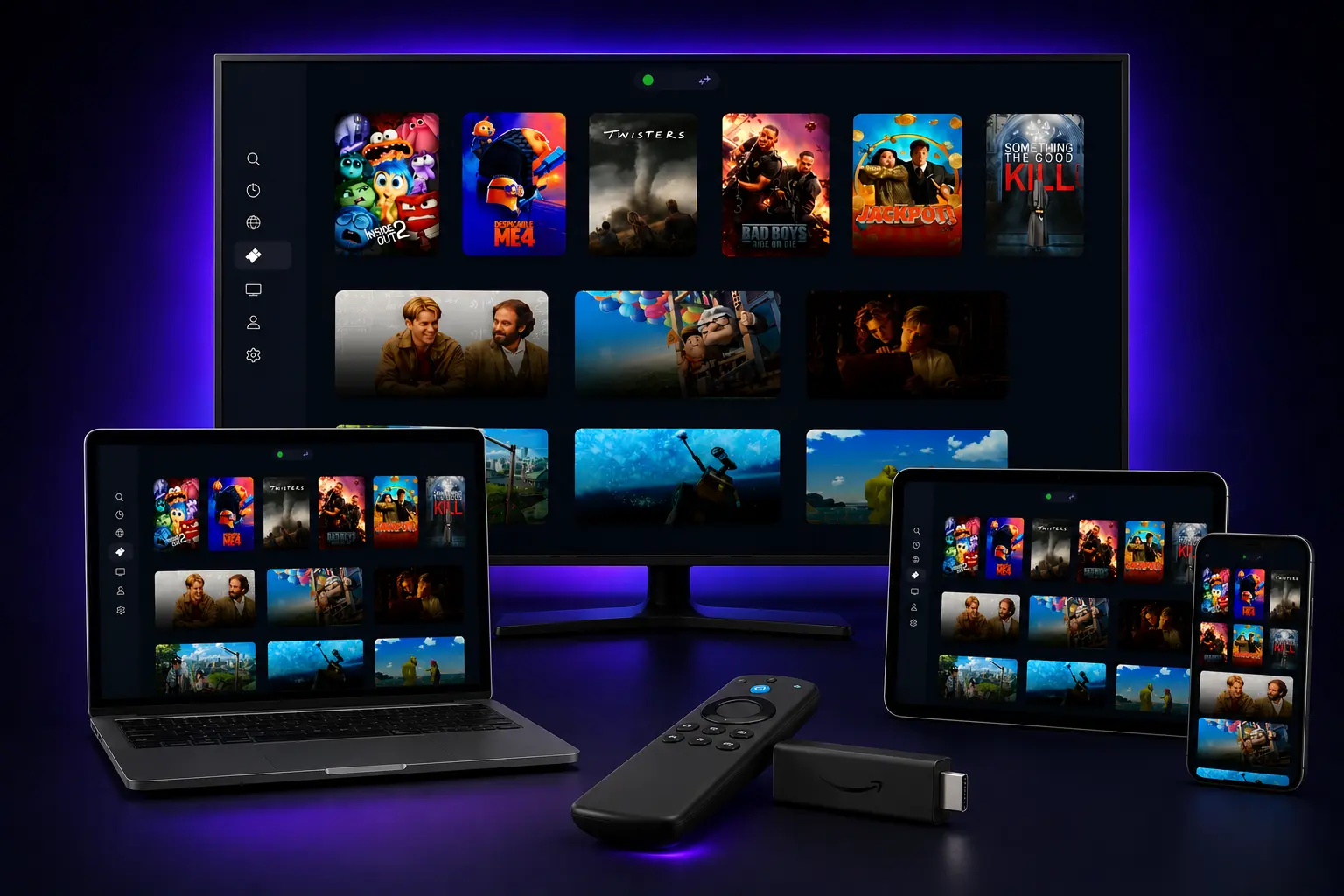
Browse, search, and stream thousands of live channels and on-demand titles through the NETIPTV player interface.
Key Features & Benefits
EPG Support
Full Electronic Program Guide integration for detailed schedules.
Favorites Management
Create custom favorites lists for quick channel access.
Multi-Language
Multiple audio tracks and subtitle support.
Fast Switching
Optimized for near-instant channel transitions.
Parental Controls
Set content restrictions for family-friendly viewing.
Auto Updates
Regular updates for improved performance and compatibility.
NETIPTV vs. Other IPTV Players
✅ Why Choose NETIPTV
- • Native Samsung (Tizen) & LG (webOS) optimization
- • Simple MAC address setup — no complicated config
- • Stable performance with minimal buffering
- • One-time payment vs monthly subscriptions
⚠️ Points to Note
- • No built-in content — requires separate IPTV provider
- • MAC address activation tied to specific device
- • Different MAC if you reinstall or change devices
Frequently Asked Questions
Q: Does NETIPTV provide channels and content?▼
Q: What devices is NETIPTV compatible with?▼
Q: How do I set up NETIPTV?▼
Ready to Experience Seamless IPTV Streaming?
Pair NETIPTV with a premium IPTV service. 40,000+ live channels, 100,000+ VODs, and a 24-hour free trial.
Published: September 17, 2026 | By the NETIPTV Expert Team | Beginner Guide