What is NETIPTV?
A Complete Guide
⚠️ The Golden Rule of NETIPTV
NETIPTV is an empty player. It does NOT provide any channels or content. You must bring your own IPTV subscription (M3U URL or Xtream Codes) from a separate provider. Think of it like a TV without a cable subscription.
The world of IPTV can be confusing, especially when it comes to understanding the difference between players and services. If you've heard about NETIPTV and are wondering what it is — you're in the right place.
Let's be clear from the start: NETIPTV is a player application, not an IPTV service. It doesn't provide channels or content. It's a powerful tool that lets you watch IPTV content from your own provider subscription.
The App vs. Service Distinction
🏠 The House Analogy
How NETIPTV Works: 5 Simple Steps
Install the NETIPTV App
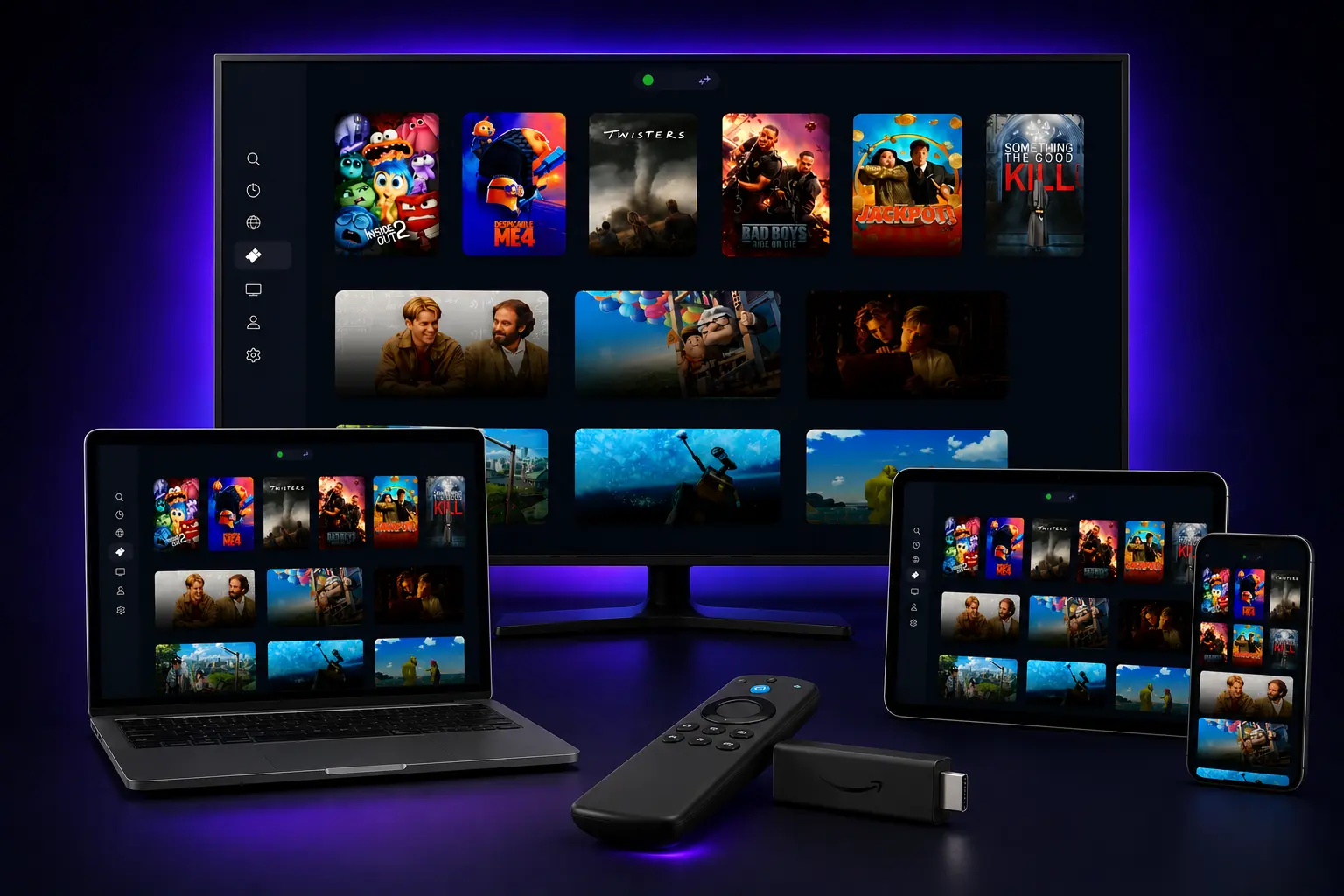
Available on Samsung (Tizen), LG (webOS), Android TV, Fire TV Stick, and iOS.
Find Your MAC Address
Open NETIPTV for the first time to see your unique MAC address — your device's identifier for activation.
Get an M3U Playlist from Your Provider
Subscribe to a legitimate IPTV provider and get your M3U URL or Xtream Codes — this is where your channels come from.
Upload Your Playlist on the NETIPTV Portal
Enter your MAC address on the NETIPTV website, upload your M3U URL, and pay the one-time €6.79 activation fee.
Restart and Watch
Restart the NETIPTV app — all your subscribed channels will load and be ready to stream immediately.
Key Features of the NETIPTV Player
Device Compatibility
- • Samsung Smart TVs (Tizen OS)
- • LG Smart TVs (webOS)
- • Android TV & Fire TV Stick
- • Android phones & tablets
- • Apple TV & iOS
User-Friendly Interface
- • Clean, intuitive design
- • Remote control optimized
- • Channel categories & favorites
- • Electronic Program Guide (EPG)
Format Support
- • M3U playlist support
- • Xtream Codes API
- • VOD (Video on Demand)
- • 4K streaming capable
NETIPTV Pricing: One-Time, No Subscription
One of the biggest reasons to choose NETIPTV is its affordable one-time pricing structure — no recurring monthly fees.
Single Device
One-time activation • Lifetime access
- ✓ 1 TV device activation
- ✓ 7-day trial period
- ✓ All features included
Dual Device
One-time activation • Lifetime access
- ✓ 2 TV devices activation
- ✓ 7-day trial period
- ✓ All features included
Frequently Asked Questions
Q: Is NET IPTV legal to use?▼
Q: Do I get channels after paying the activation fee?▼
Q: How much does NETIPTV cost?▼
Q: What devices support NETIPTV?▼
Ready to Get Started?
Now that you understand what NETIPTV is, pair it with a premium IPTV service and start streaming today.
Get the Best IPTV Service to Pair with NETIPTV
40,000+ live channels • 100,000+ VODs • 24hr free trial
Published: December 16, 2024 | Updated: January 18, 2026 | By the NETIPTV Expert Team